
Virtru Private Keystore for Google Workspace Client-Side Encryption
Virtru is an encryption key management partner for data-centric security across Google Workspace CSE, including S/MIME for Gmail.
Customer Story: SHE BASH

Enhanced Security with Label-Based Access Controls
Virtru is a key management partner for Google Workspace CSE. Unlike other CSE key partners, Virtru enables you to encrypt your data and also apply automatic access controls based on your custom labels, ensuring your data remains protected against unauthorized access, regardless of its location within your system.
- Use Google Workspace labels to classify documents and enforce access controls
- Leverage your Google Workspace groups to define access permissions
- Ensure persistent protection, even when files are moved to other drives or folders
/Partner%20of%20the%20Year%20Google.webp)
Award-Winning Data Security for Google Cloud
Virtru was named a 2024 Google Cloud Partner of the Year in Industry Solutions - Technology for Government and Education.
Benefits of Choosing Virtru as Your Key Management Partner



“Virtru is proud to be Google Workspace’s first recommended data protection partner and to have helped architect Google’s Client-Side Encryption capability with Google, in concert with our strategic enterprise partners. We are thrilled that Google Workspace Client-Side Encryption has become generally available for enterprises worldwide, and to include other partners in this open and extensible ecosystem."
John Ackerly
CEO
How It Works: Virtru for Google Workspace CSE

-
User creates a new Google Workspace CSE Document.
-
Document encryption key (DEK) is generated locally within the user's browser.
-
DEK is sent to customer-hosted CSE server, which creates an access control policy. DEK is then wrapped with a second encryption key (CSE key).
-
The wrapped DEK is sent to Google for storage alongside the encrypted document. Meanwhile, the CSE key never leaves the customer's server, so Google can never access it.
-
User attempts to open a Google Workspace CSE document, and a wrapped Document Encryption Key (DEK) is sent to the CSE server.
-
CSE server checks to see if policy is active whether the user is authorized to access the document.
-
If policy is active and user is authorized, CSE decrypts (unwraps) the DEK.
-
Decrypted DEK is sent to the browser to decrypt the content for seamless, secure collaboration.

Data-Centric Security Across the Google Ecosystem and Beyond
Equip Teams to Collaborate Securely in the Cloud
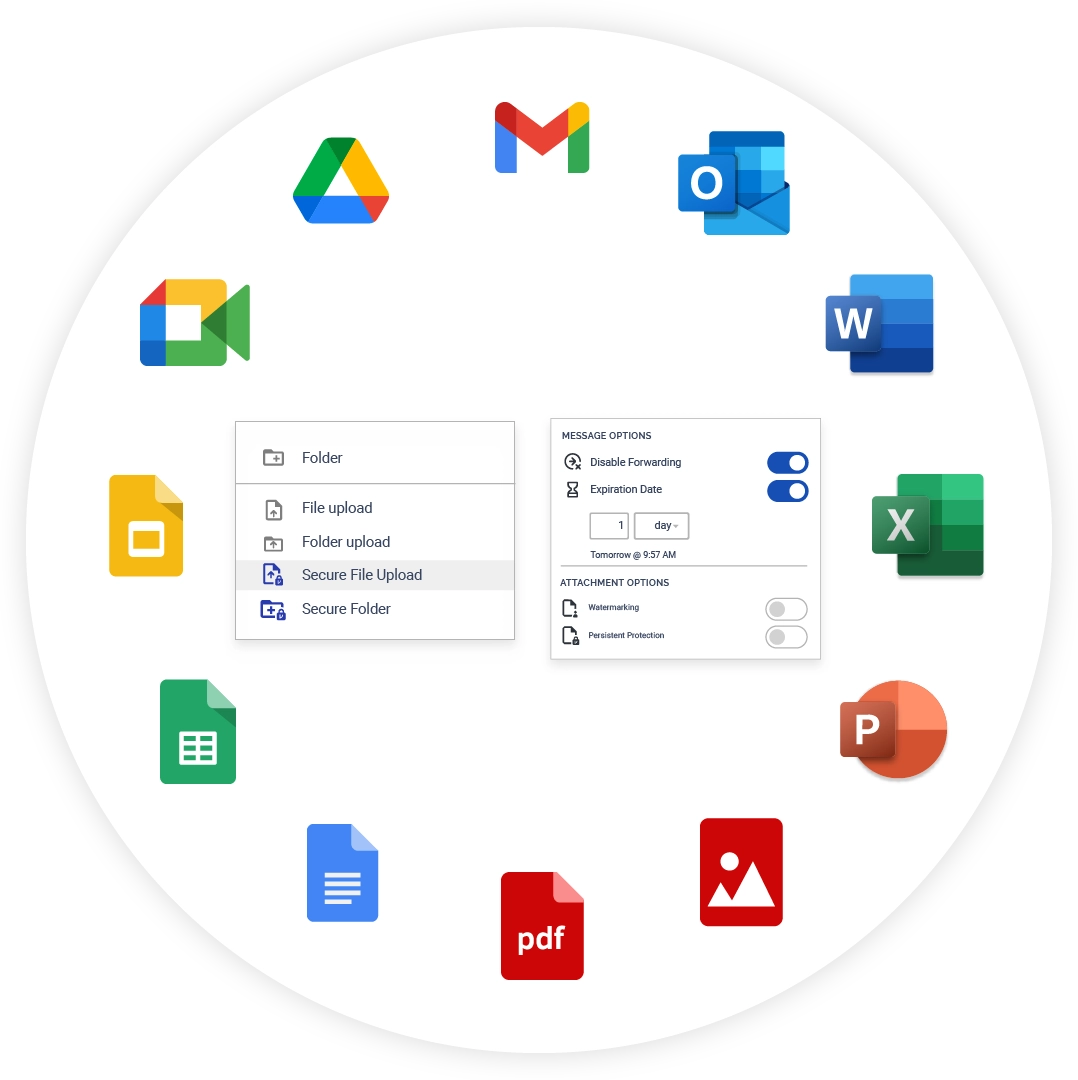
Virtru's data protection empowers users to encrypt sensitive information with one click, directly within their Google interface:
- Virtru Private Keystore for Google Workspace Client-Side Encryption (CSE) makes it easy for users to protect sensitive information in Gmail and Google Drive with a single click. Virtru supports Gmail S MIME as a trusted key management partner.
- The Virtru Data Protection Gateway for Server-Side Protection automatically safeguards data flowing in and out of your business via email, Salesforce, Zendesk, ServiceNow, Workday, and more.
- Virtru Secure Share powers data flows outside of email, giving your organization a way to securely collect and share files of nearly any size.
Take Control of Your Data in Google Workspace CSE
Extend Zero Trust data control across your Google SaaS ecosystem. Book a demo with our team to see how simple it can be to get started.
6,100 CUSTOMERS TRUST VIRTRU FOR DATA SECURITY AND PRIVACY PROTECTION.