How Label-Based Access Control for Google Drive Works
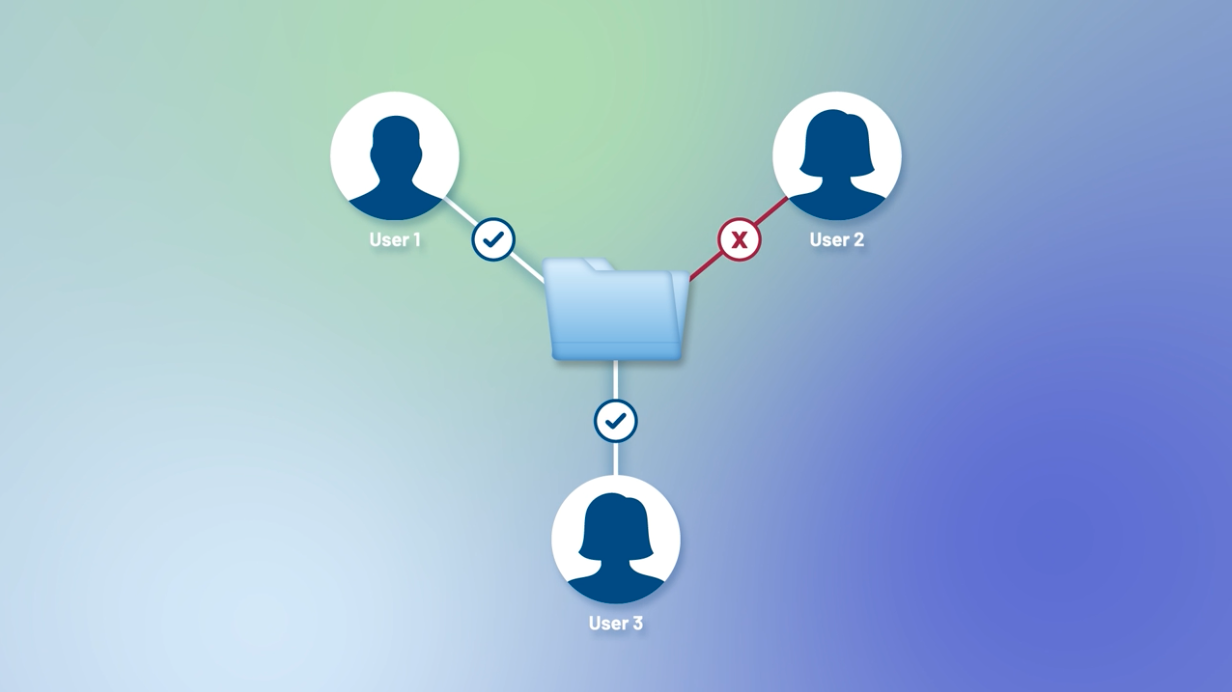
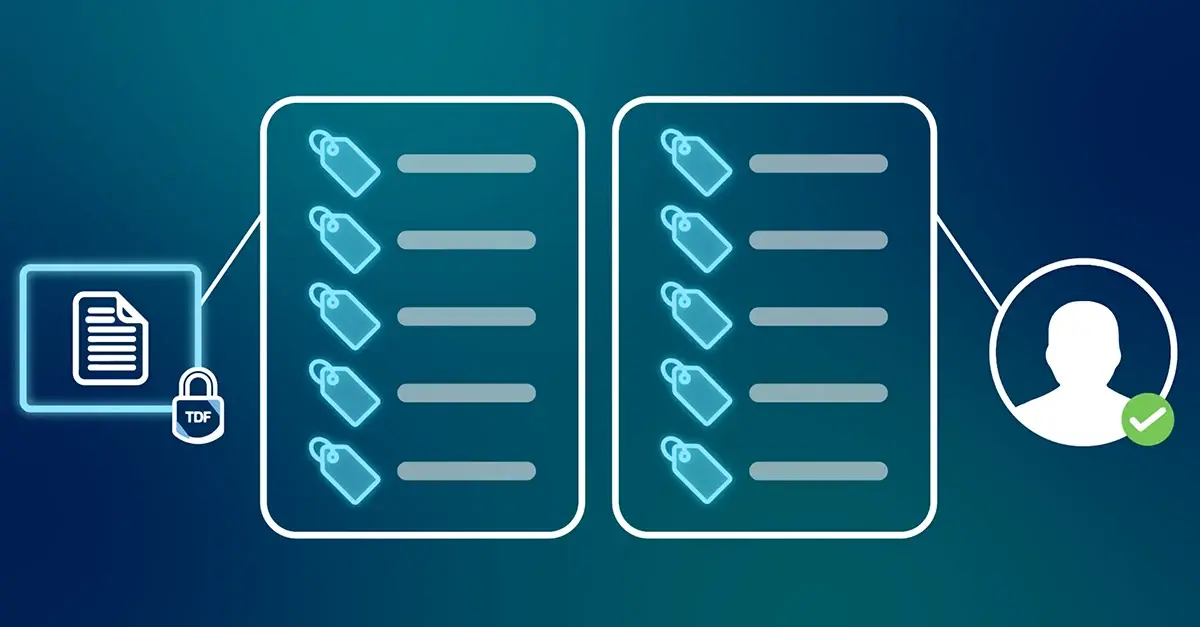
Unlike other Google Workspace CSE key management providers, Virtru uniquely enables you to encrypt your data and apply automatic access controls based on your organization's Google Drive labels. This ensures that your data remains protected against unauthorized access regardless of its location – within your Workspace account or even shared externally.
- Use Google Workspace labels to classify documents and enforce access controls
- Leverage your Google Workspace groups to define access permissions
- Ensure persistent protection, even when files are moved to other Drives or folders
Related Resources
Get expert insights on how to address your data protection challenges

/video%20-%20booz%20allen%20billington/Virtru%20+%20Booz%20Allen.webp)
The Great Inversion: When Zero Trust Finally Reaches the Data | Booz Allen + Virtru
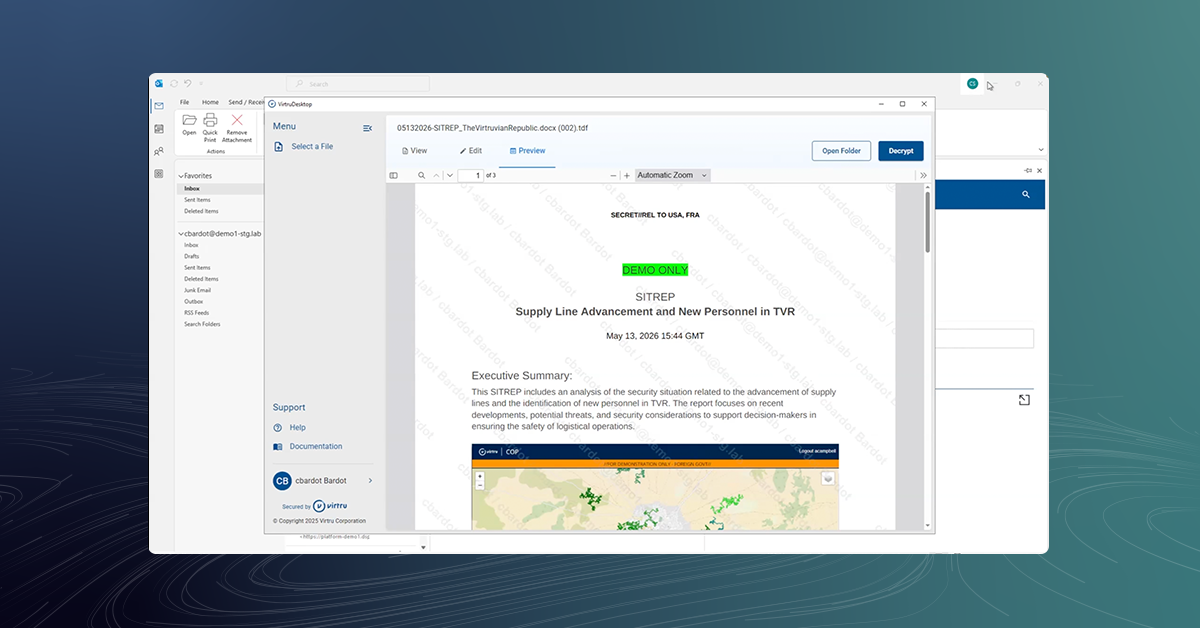
Virtru Platform Demo: ABAC for Outlook, SharePoint, and Beyond
Zero Trust File Sharing with the Virtru Platform

The Virtru Platform: Extensible Security and SDKs for Mission Apps
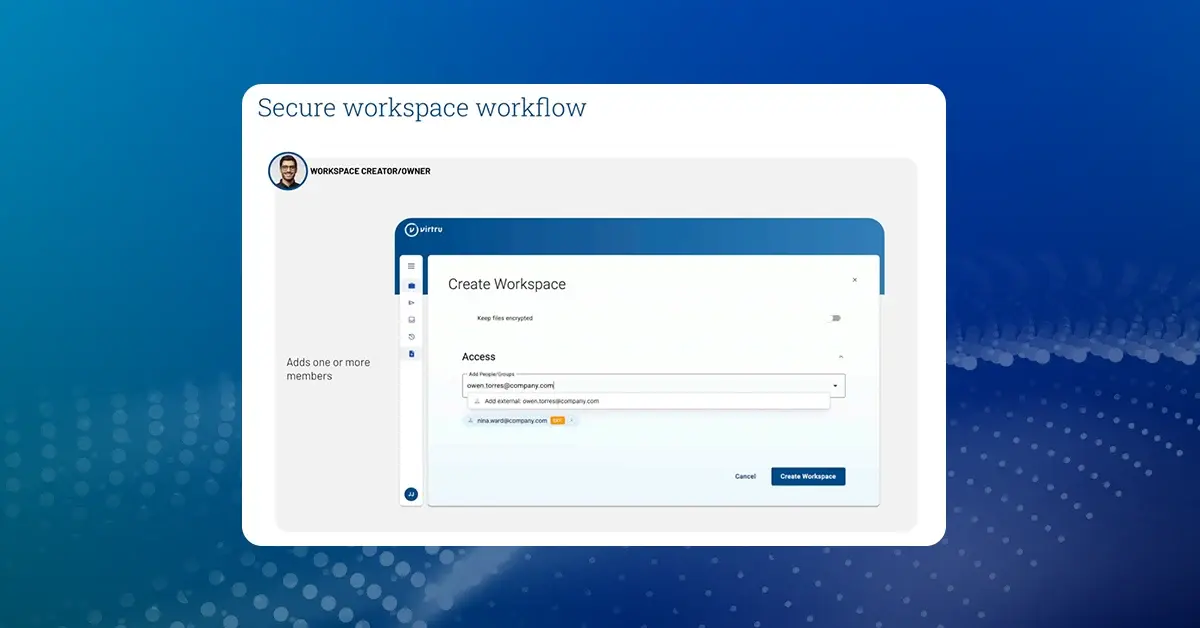
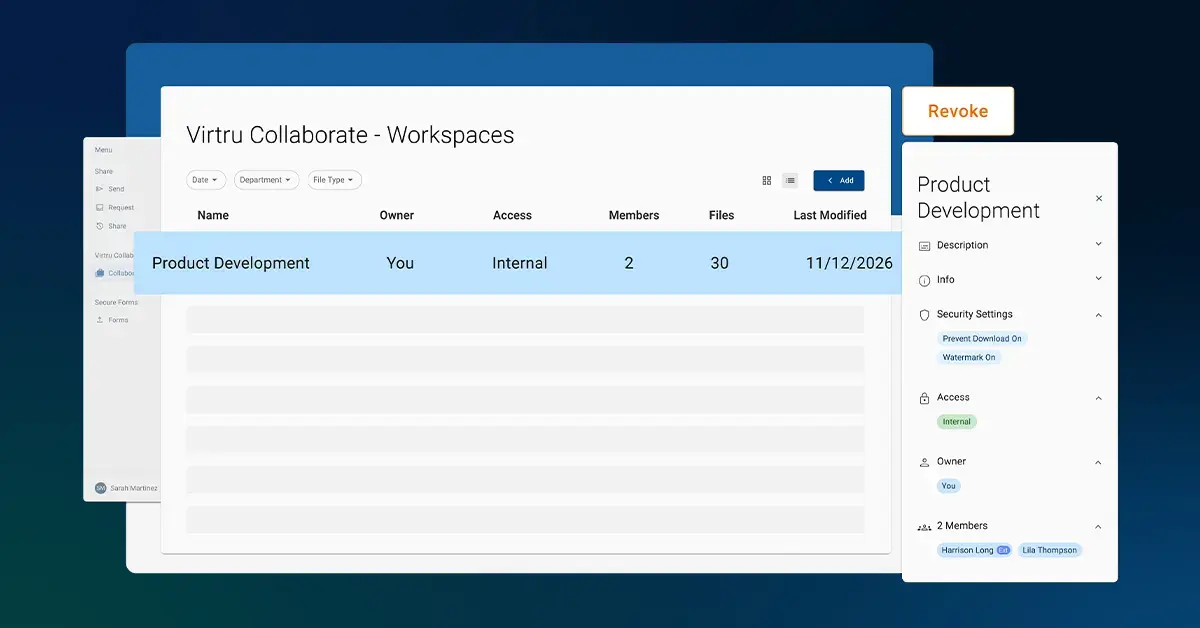
How It Works: Virtru Collaborate

Virtru Collaborate: Eliminate the Tradeoff Between Compliance and Collaboration

Introducing Virtru Collaborate

Virtru Collaborate: Securely Store, Organize, and Share Sensitive Files
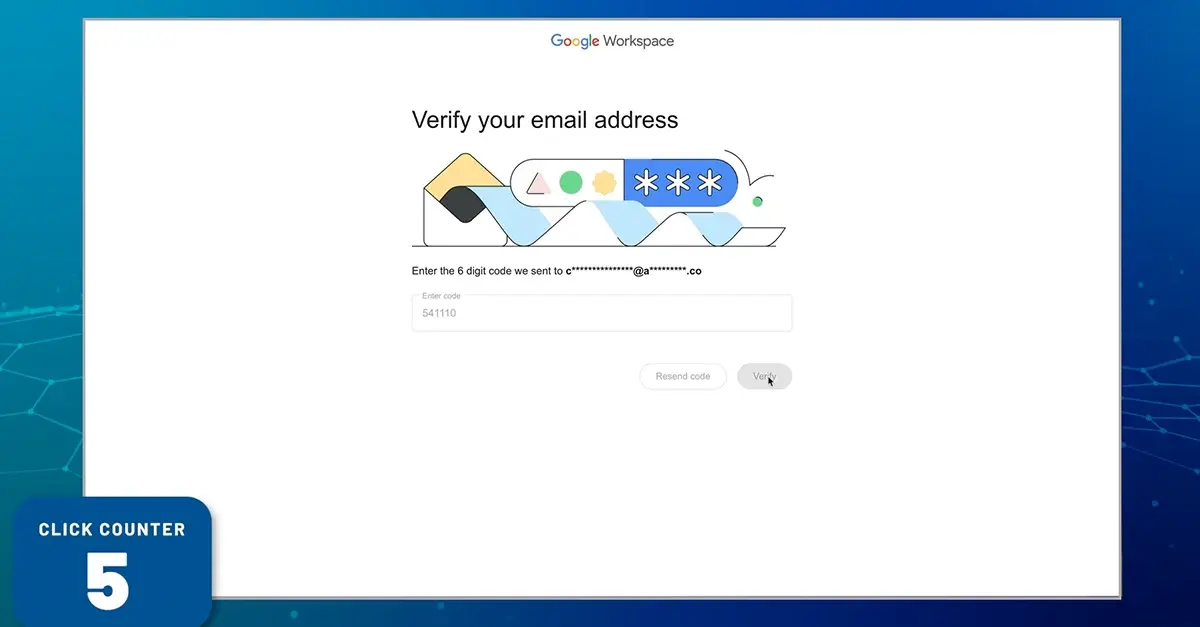
Google E2EE vs. Virtru for Gmail: Sender and Recipient Experience

Virtru Data Security Platform: Email Workflows
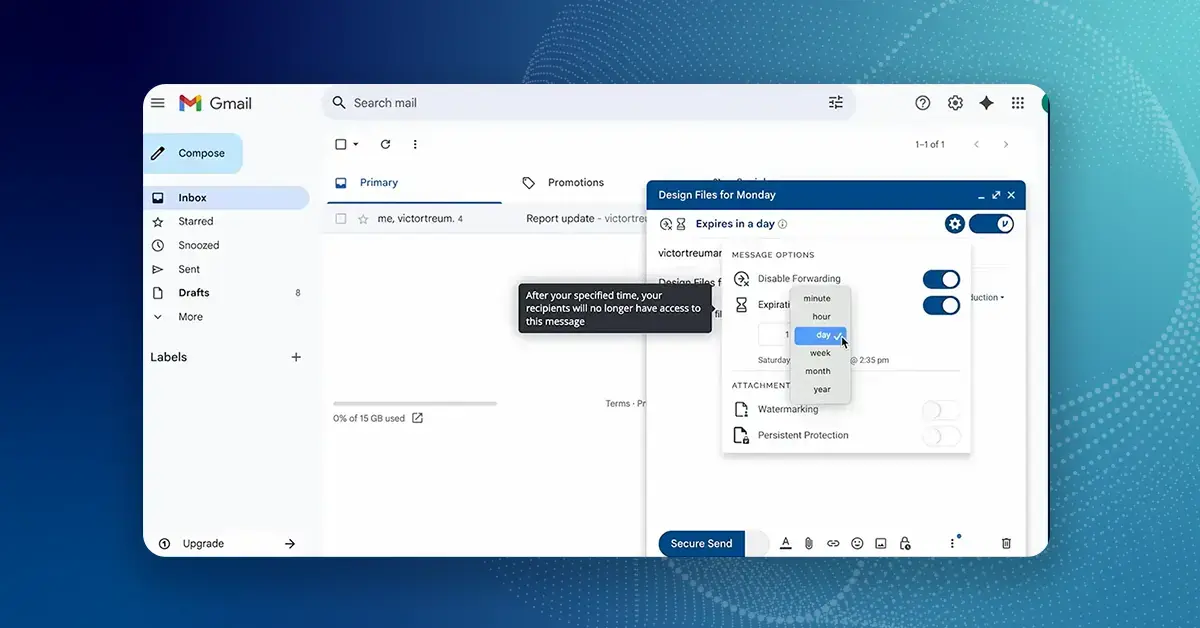
How to Use Virtru for Gmail

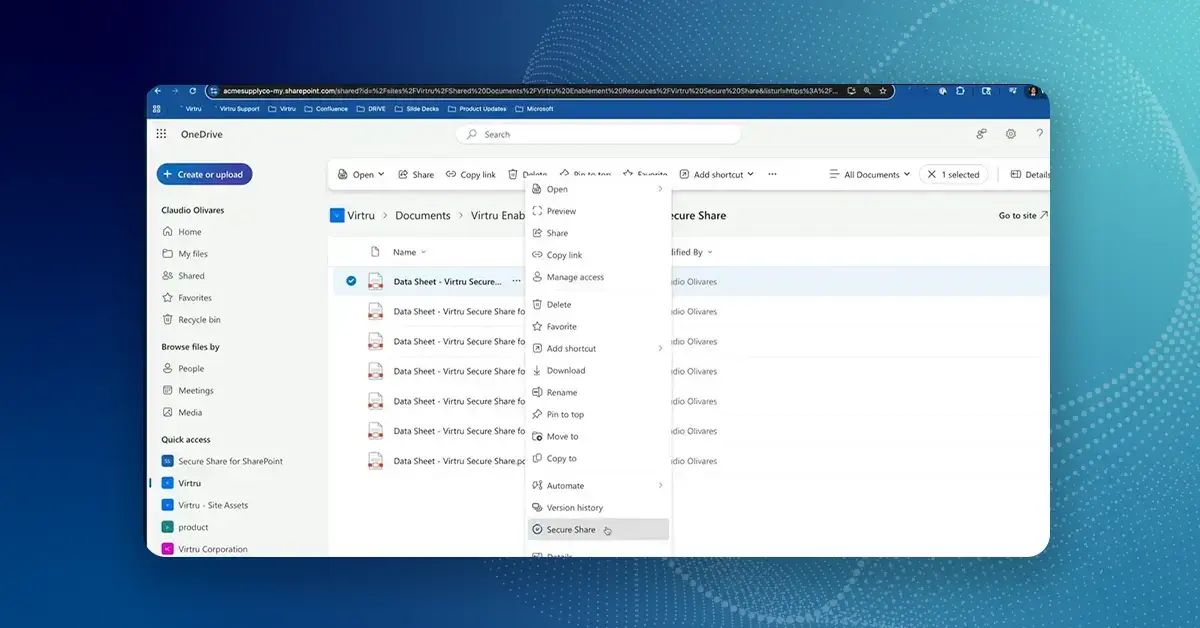
Virtru Secure Share for Microsoft OneDrive, SharePoint, and Teams
Don't govern the agent.
Govern the data.
On November 17, join us live to meet the Data Harbor Platform, built on our core mission of protecting the data itself. While the market focuses on controlling AI agents, we keep you in control of your data, wherever it goes.
Find out moreto dismiss this message.
Book a Demo
Become a Partner
Contact us to learn more about our partnership opportunities.
Become a Compliance Champion
Contact us to learn more about our partnership opportunities.