Virtru HIPAA Compliance DLP Rule Pack
Helps prevent HIPAA penalties and ensures patient privacy by scanning emails and files for PHI and protecting them before they leave your healthcare organization.
Automatically Apply Controls to Emails Containing PHI with Virtru DLP Rule Pack to Maintain HIPAA Compliance
As your users share PHI through emails and attachments, risk of HIPAA compliance and patient privacy violations increase. The Virtru HIPAA compliance DLP rule pack helps prevent HIPAA penalties and ensures patient privacy by scanning emails and files for and protecting them before they leave your domain.
To enable the rule pack within the Virtru Dashboard, navigate to the email rules section, then click the HIPAA tab. The HIPAA compliance rule pack is pre-configured to warn senders to encrypt common forms of PHI, including social security numbers, ICD-10 codes, National Provider identifiers and more. You can adjust these rules to suit your requirements by drilling into a PHI type and tweaking the logic.
For example, enforcing encryption and disabling forwarding when an ICD-10 code is detected and scoping the will to only apply when a user shares claims with a specific insurance company. Virtru automatically protects and controls the right to maintain HIPAA compliance without disrupting the user's workflow. These rules can be configured in minutes to protect a single user, a specific department or an entire health system.
You Don't Have to Choose Between Protecting PHI or Sharing It
You shouldn't have to choose between protecting PHI and letting users share it. Virtru's HIPAA compliance DLP rules have helped hundreds of healthcare admins like you enable seamless and compliant sharing workflows, helping your organization deliver better care outcomes.
Contact us to learn how your organization can unlock the power of privacy with the HIPAA compliance rule pack.
Related Resources
Get expert insights on how to address your data protection challenges
/video%20-%20enclave/Secure-Share-Enclave-Interface.png)
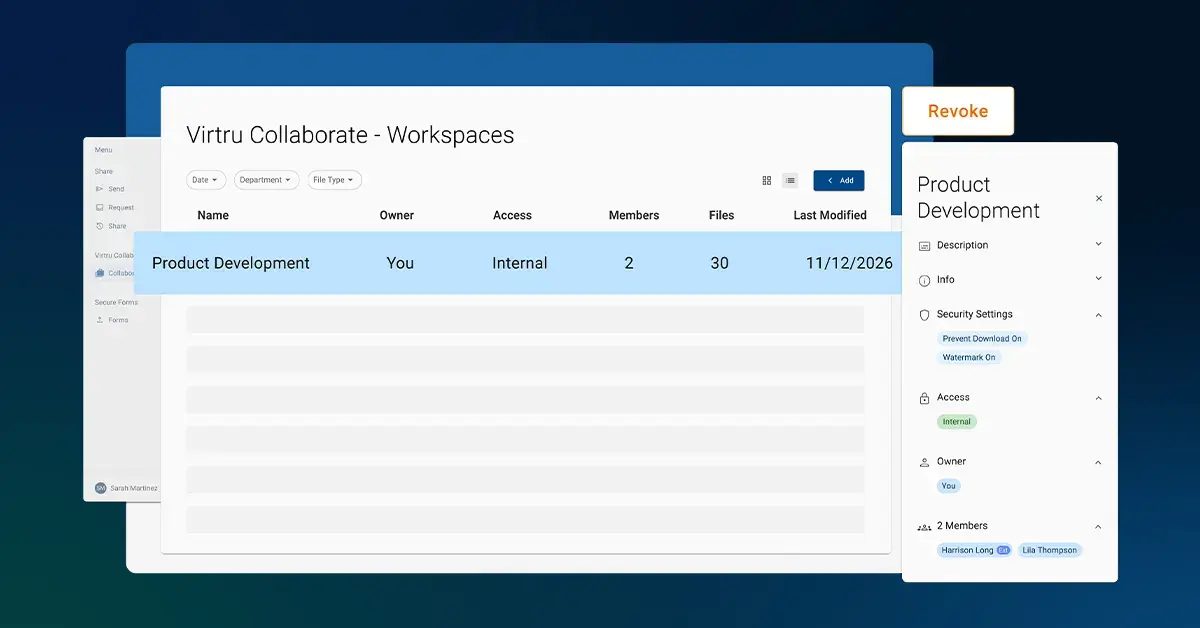
Secure Share Enclave: Compliant File Storage and Collaboration

Virtru Data Security Platform: Email Workflows
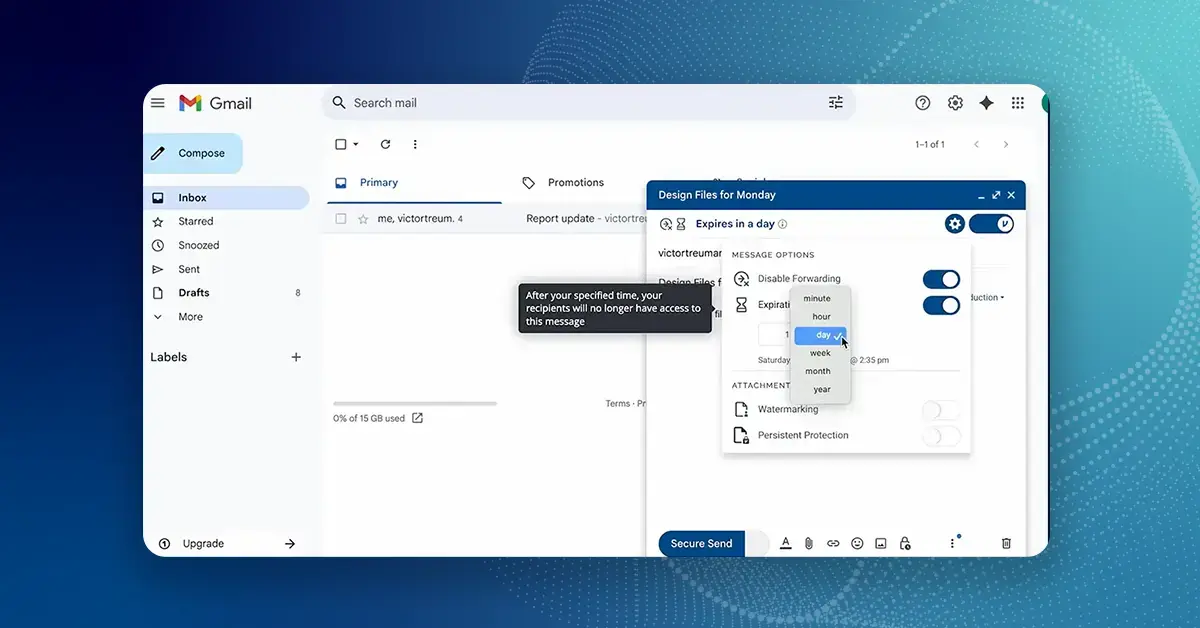
How to Use Virtru for Gmail

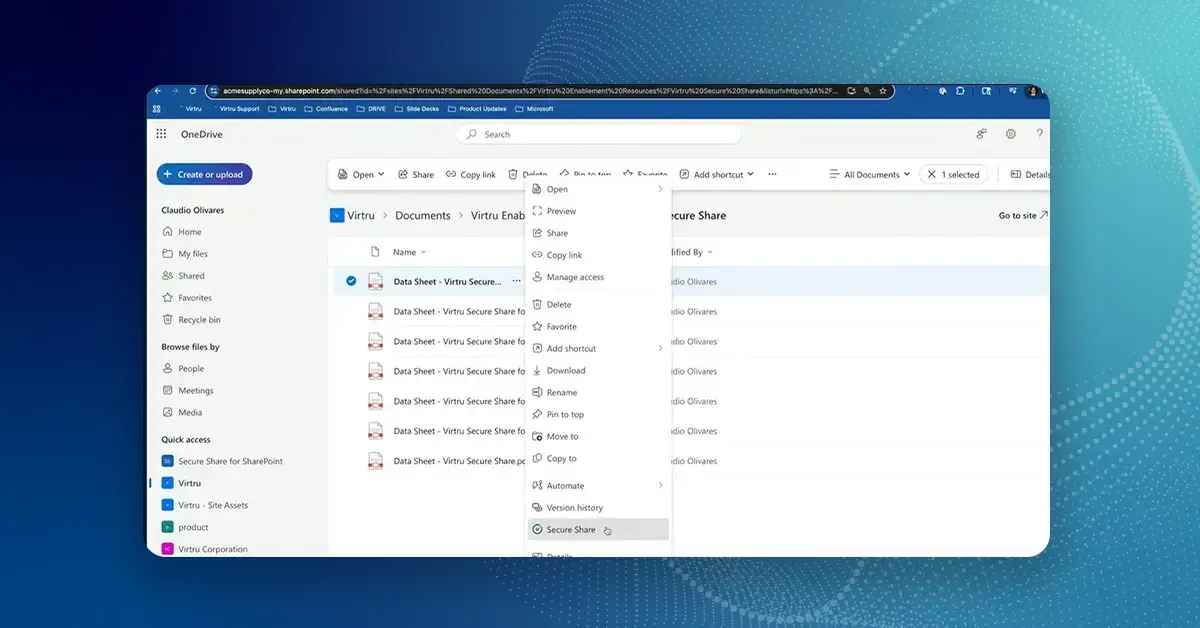
Virtru Secure Share for Microsoft OneDrive, SharePoint, and Teams

Virtru for Mergers and Acquisitions: 'It was immediately useful.'

The Virtru Data Security Platform: Data-Centric Security for Mission Partner Collaboration

How It Works: Data-Centric Security for Common Operation Picture (COP) Environments

How It Works: Virtru Secure Share

How It Works: Virtru Client-Side Encryption for Gmail

How It Works: Virtru Client-Side Encryption for Microsoft Outlook

Proofpoint vs. Virtru Recipient Experience

Virtru vs. PreVeil Comparison: Recipient Experience
Book a Demo
Become a Partner
Contact us to learn more about our partnership opportunities.