Google E2EE vs. Virtru for Gmail: Sender and Recipient Experience
Compare Google E2EE and Virtru email encryption with a view of the recipient experience.
When choosing your email encryption provider, don't forget about the recipient experience: When your teams send protected emails and files to external contacts, what does that contact see?
This video walks through the differences between the recipient experience with Virtru for Gmail vs. Google E2EE. You'll notice that with Virtru, there are no new accounts or passwords to create: Users simply authenticate with their existing credentials for Google and Microsoft, and they're in.
Encryption is easy. Decryption is hard. That's why Virtru is proud of its industry-leading ease of use for recipients, senders, and admins alike.
Like what you see about the Virtru decryption experience? Contact our team for a demo today. We'd love to show you how Virtru can unlock faster, more efficient communications for your organization.
Read transcript Hide transcript
This is a walkthrough of the user experience for Google's end to end encryption for Gmail known as E2EE.
Start by composing an email as you normally would. Next, you'll click the gray lock icon to open up the Message Security pane, then turn on additional encryption.
Next, draft your message and select your attachment.
Oh, but you can't choose anything more than five megabytes, so if you need to share a large file, you're out of luck.
Alright, now you can go ahead and send.
Now let's see what the experience looks like for an external recipient who also uses Google. When the recipient goes to open the E2EE encrypted message, they see a lot of red flags. Google says they can't verify that the message actually came from the sender. Then you're asked to sign in.
The recipient is then asked to sign in to something called CSE IDP with no additional context. This will also give pause to anyone who works for a security aware organization.
If you're brave, you'll continue anyway. Once again, you are warned about opening the decrypted attachment. You can't preview it in your browser. You can only download it to your desktop.
Now let's leave the Google environment to view the message from a Microsoft user's perspective. It appears as an encrypted SMIME attachment. To decrypt the message, click View Message.
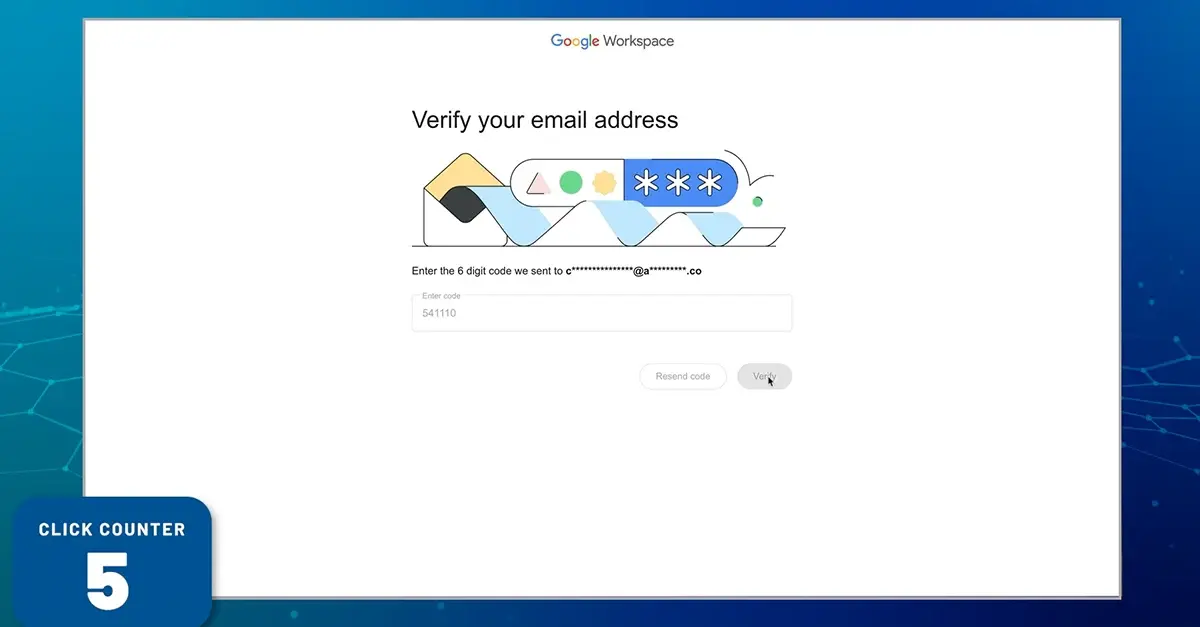
Next, Google wants to verify your email address by sending you a code. Go back to your Outlook window and copy the verification code. Then, return to your browser and paste the code in.
Great! Now you're ready to create a new Google Guest Account. You will need to create a separate Guest Account for each distinct E2EE organization you interact with.
You must create a new password for your guest account, which boasts an impressively complicated username.
And now, we wait for the guest account to be created.
This gives us time to reflect on the fact that every non Google recipient of an e two e e email must go through this process. Every. Single. One.
Great. Now we can sign in with your complicated username and brand new password.
Google really wants you to be sure you want to proceed with opening your message, which is why you must sign in yet again with your brand new Google credentials that you'll definitely remember. Congratulations! If you're really sure that you want to download this attachment, you may now do so.
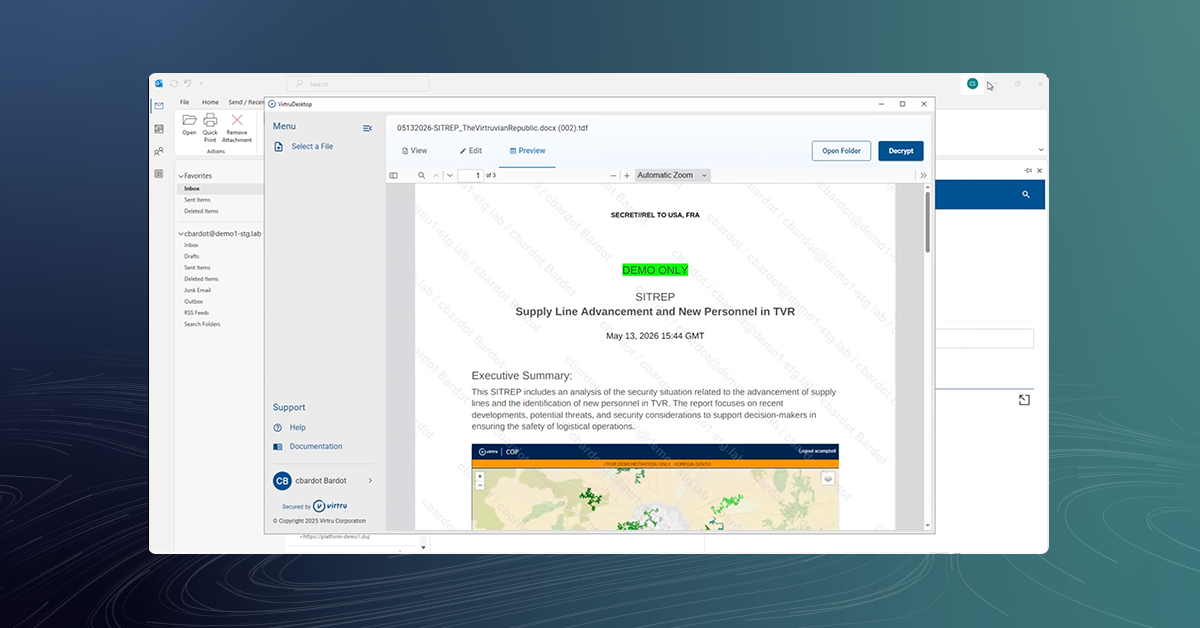
This is a walkthrough of the Virtru interface. Recipients simply click on the link to unlock their message. They then authenticate using their existing credentials for Google or Microsoft. And that's it! They can read the message and respond securely.
Related Resources
Get expert insights on how to address your data protection challenges

Google E2EE vs. Virtru for Gmail: Sender and Recipient Experience
/video%20-%20enclave/Secure-Share-Enclave-Interface.png)
Secure Share Enclave: Compliant File Storage and Collaboration

Virtru Data Security Platform: Email Workflows
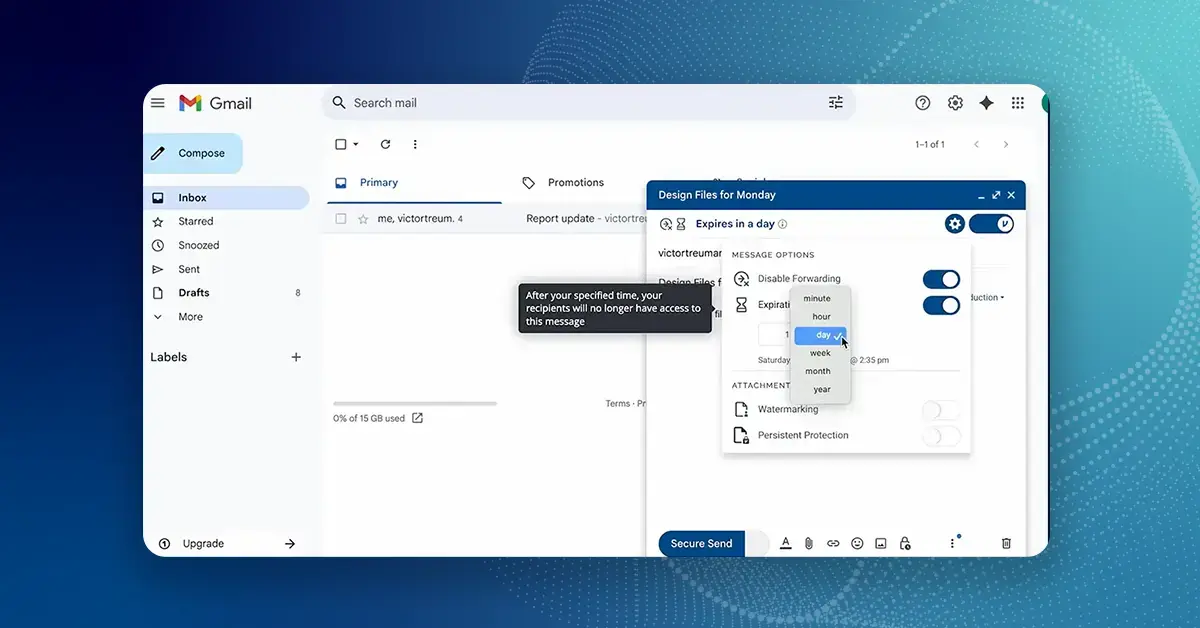
How to Use Virtru for Gmail

Virtru Secure Share for Microsoft OneDrive, SharePoint, and Teams

Virtru for Mergers and Acquisitions: 'It was immediately useful.'

The Virtru Data Security Platform: Data-Centric Security for Mission Partner Collaboration

How It Works: Data-Centric Security for Common Operation Picture (COP) Environments

How It Works: Virtru Secure Share

How It Works: Virtru Client-Side Encryption for Gmail

How It Works: Virtru Client-Side Encryption for Microsoft Outlook

Proofpoint vs. Virtru Recipient Experience
Book a Demo
Become a Partner
Contact us to learn more about our partnership opportunities.