<img src="https://ad.doubleclick.net/ddm/activity/src=11631230;type=pagevw0;cat=pw_allpg;dc_lat=;dc_rdid=;tag_for_child_directed_treatment=;tfua=;npa=;gdpr=${GDPR};gdpr_consent=${GDPR_CONSENT_755};ord=1;num=1?" width="1" height="1" alt="">
Video

How It Works: Virtru Collaborate

See a walkthrough of how Virtru Collaborate works for FedRAMP authorized, secure external file sharing in governed workspaces.

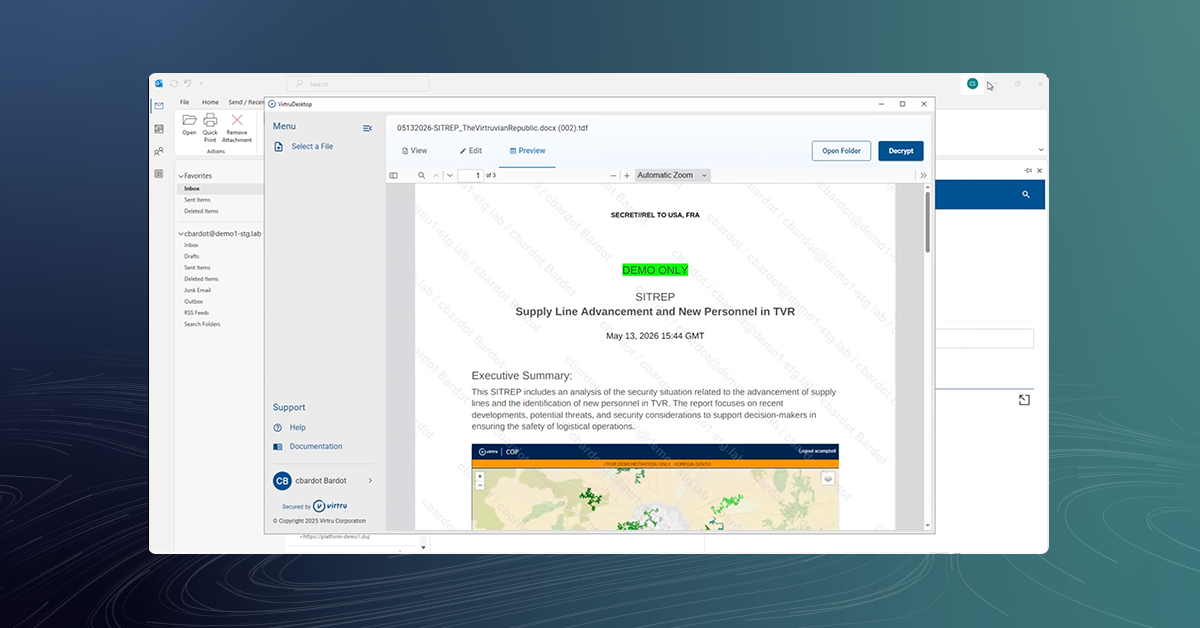
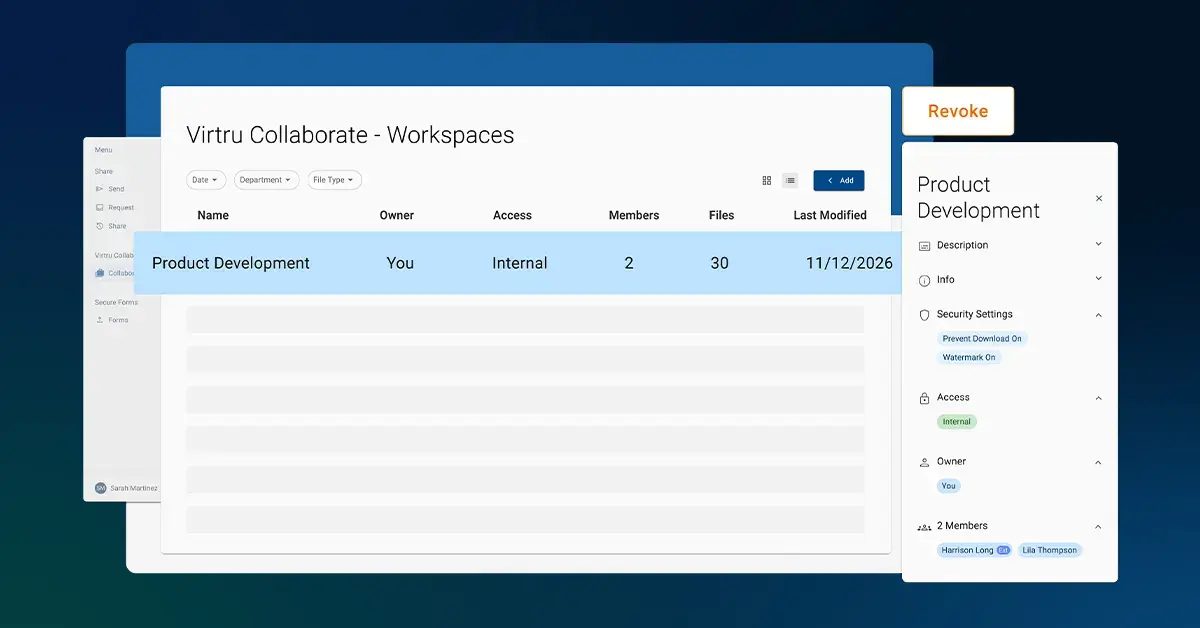
Sharing sensitive files shouldn't mean sacrificing control. This short demo walks you through Virtru Collaborate — showing how easy it is to create a secure workspace, upload files with controls like watermarking and download prevention, and invite collaborators without requiring them to create new accounts. Whether you're working with vendors, customers, or internal teams, each workspace keeps permissions organized by project so you can manage access, update files, and revoke permissions at any time.

What makes it work is the Virtru Data Security Platform operating quietly in the background. Every file is wrapped in a Trusted Data Format container and protected by a unique encryption key — managed by Virtru or by your own organization. Each time someone accesses a file, their identity is validated in real time, which means you stay in control even after content has been shared. Watch the video to see how Virtru delivers enterprise-grade data security without the complexity.

Read transcript Hide transcript
Virtru makes it easy to securely store, share, and collaborate on sensitive files. Let's see how it works and what happens behind the scenes. For data owners, it all begins in Virtru Collaborate. After logging in, create a secure collaboration workspace. Each workspace carries its own access and permissions, so you can easily manage files for separate projects, vendors, customers, or contracts.

Next, upload files from your desktop or cloud storage application, then apply security controls like watermark or prevent download.

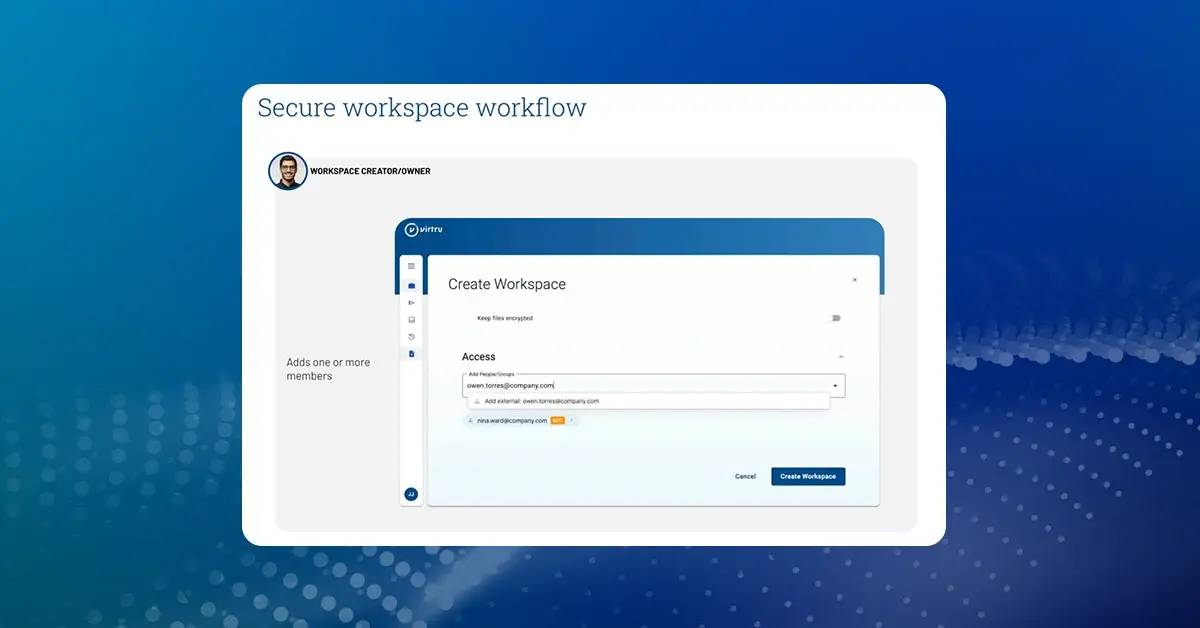
Now you're ready to add one or more members to the workspace, making it easy to share files with multiple parties for the duration of a project or contract. You can modify files, members, and security settings or revoke access to the workspace at any time.

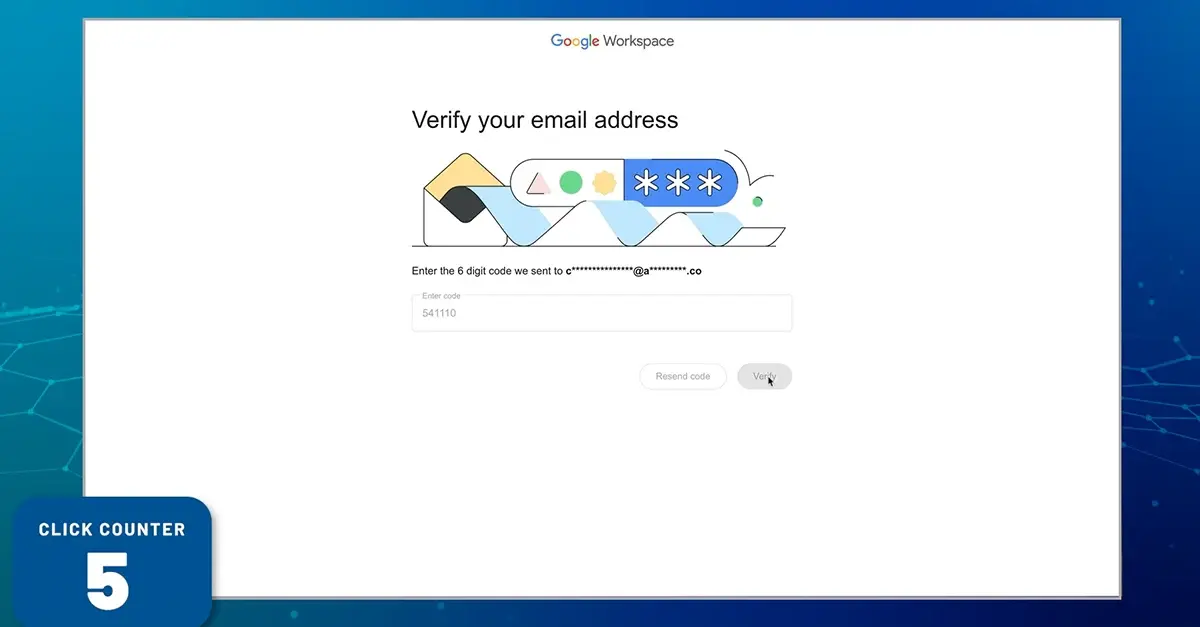
When new members are added, they receive an email notification and click the View Workspace button. After logging in with their existing email address no new username or password required, they can view the workspace and any uploaded files. They can even add their own files, which inherit the access controls of the workspace. That's it.

Behind this simplicity is the Virtru Data Security platform, the foundation for our solutions. Let's see how that works.

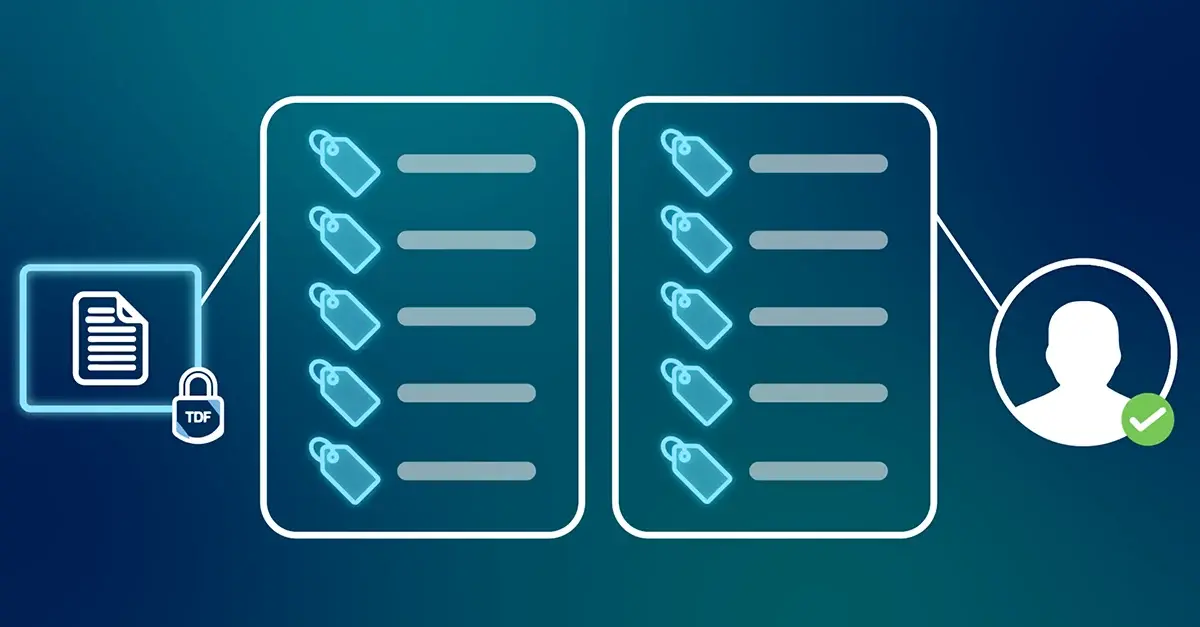
When the workspace owner creates a workspace and uploads files, each file is protected by the trusted data format, which creates a protective container around your sensitive information.

Then it is securely stored in the platform.

At the same time, a unique encryption key is generated and securely managed, either by Virtru or by your organization.

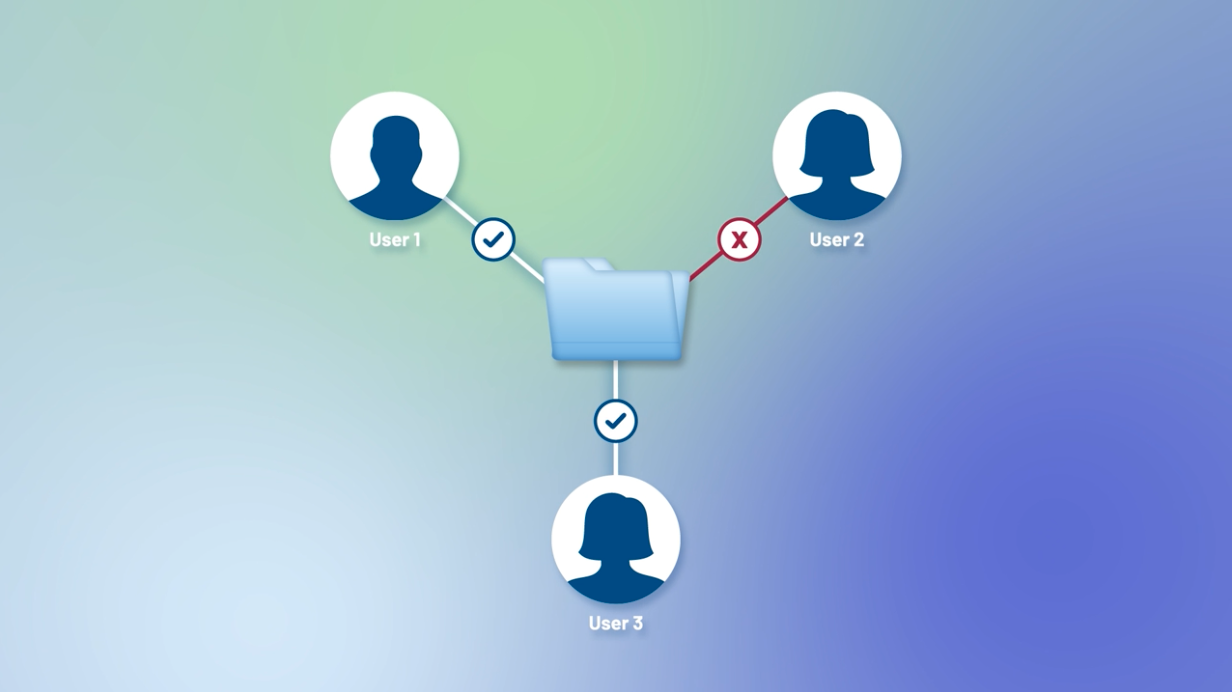
When the new workspace member receives their notification, they click a link to access the workspace. At this point, the platform validates their identity. Are they authorized to access this content? If yes, the decryption key is delivered and they are granted access to the workspace and files.

This decision process happens every time, so you can revoke access or modify permissions even after sharing.

That's how Virtru delivers powerful data centric security without complexity. For more information, visit our website at virtru.com.