How It Works: Virtru Client-Side Encryption for Gmail
Walk through the process of Virtru client-side encryption for Gmail, including data flows and user experience.
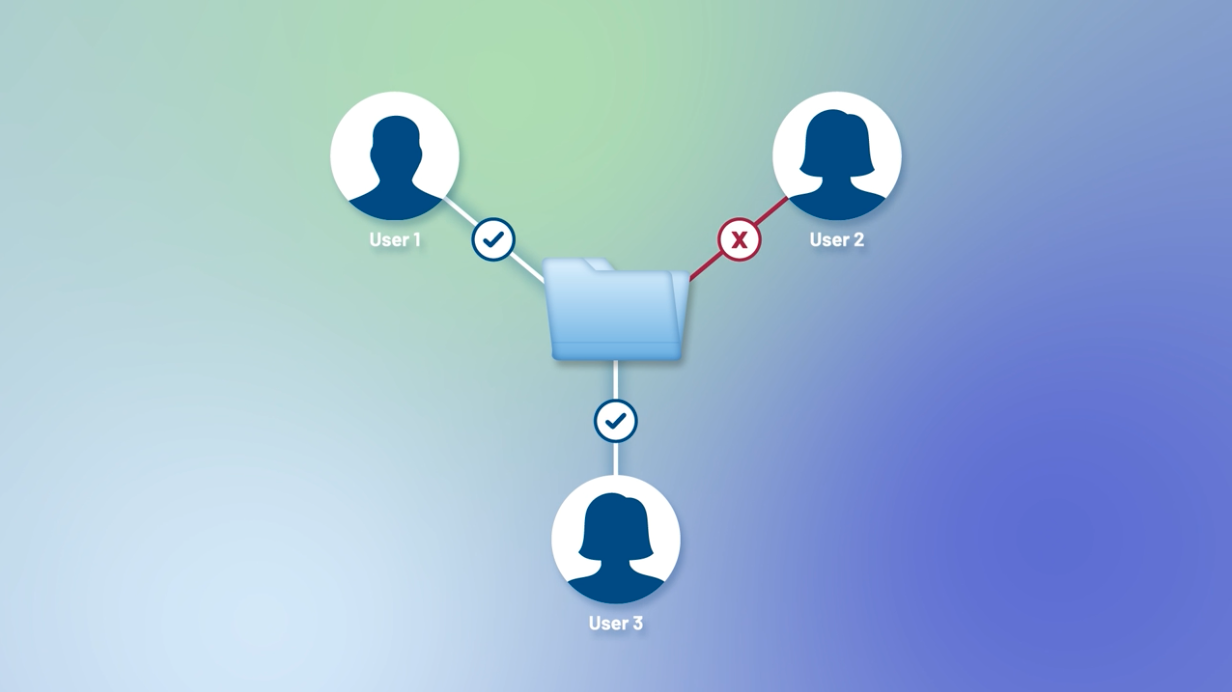
How does Virtru for Gmail work? This video walks through the process of how Virtru software protects emails and attachments with client-side, end-to-end encryption. This video shows Virtru's simple, easy user experience and the data flows that make this data security possible.
Want to learn how Virtru's client-side encryption can benefit your organization? Contact our team today to see a demo.
Related Resources
Get expert insights on how to address your data protection challenges

/video%20-%20booz%20allen%20billington/Virtru%20+%20Booz%20Allen.webp)
The Great Inversion: When Zero Trust Finally Reaches the Data | Booz Allen + Virtru
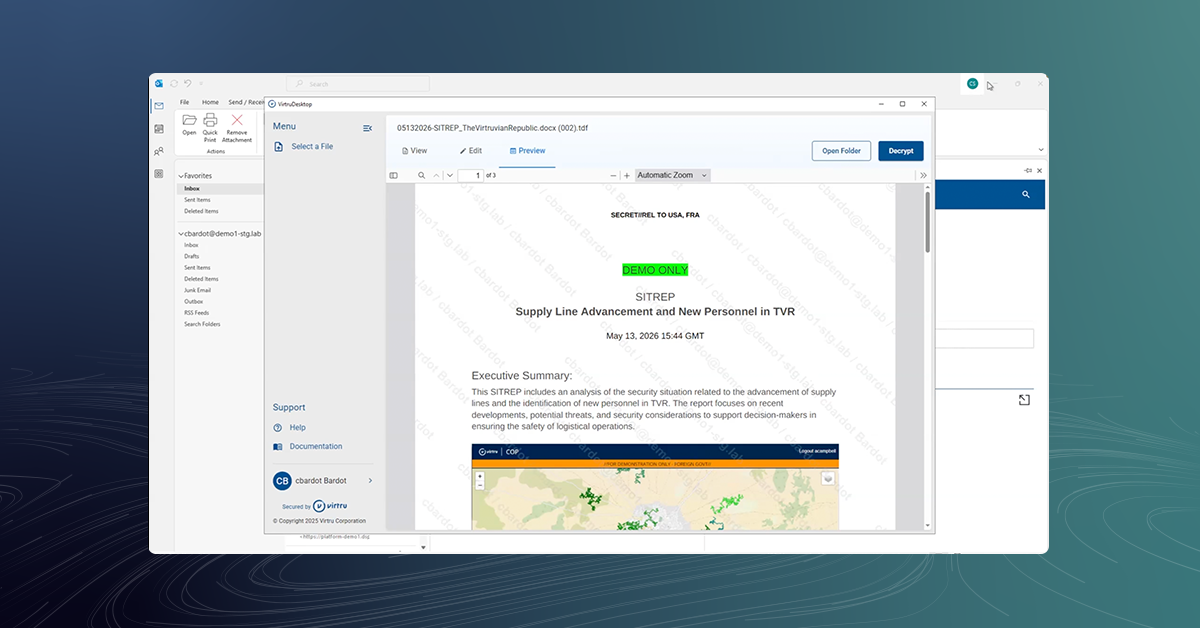
Virtru Platform Demo: ABAC for Outlook, SharePoint, and Beyond
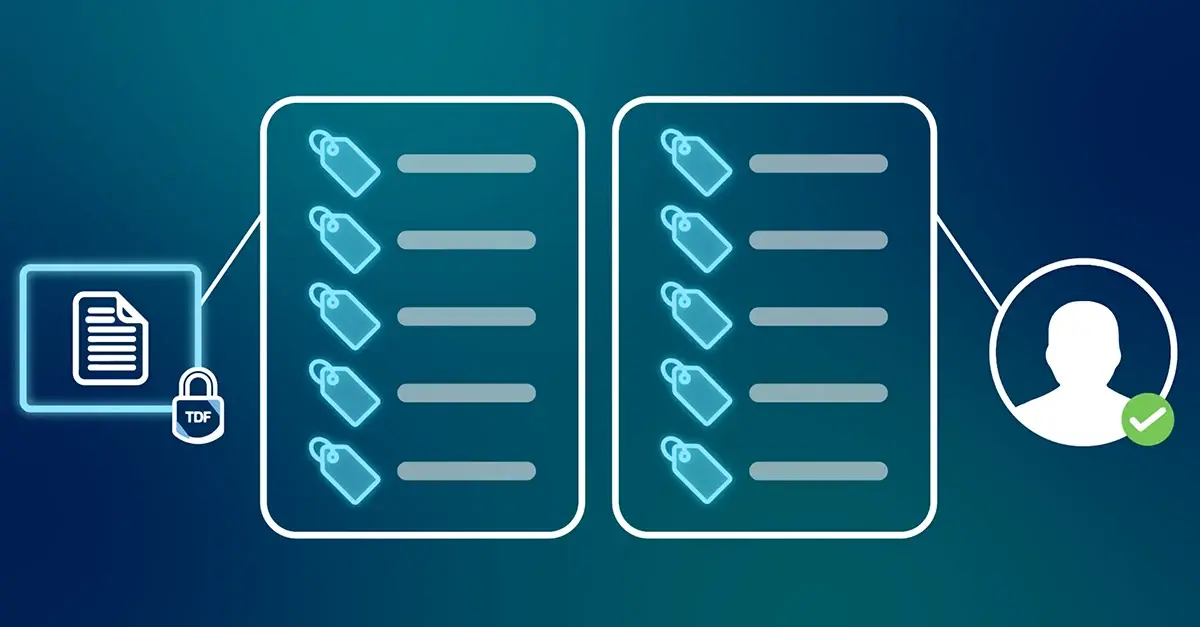
Zero Trust File Sharing with the Virtru Platform

The Virtru Platform: Extensible Security and SDKs for Mission Apps
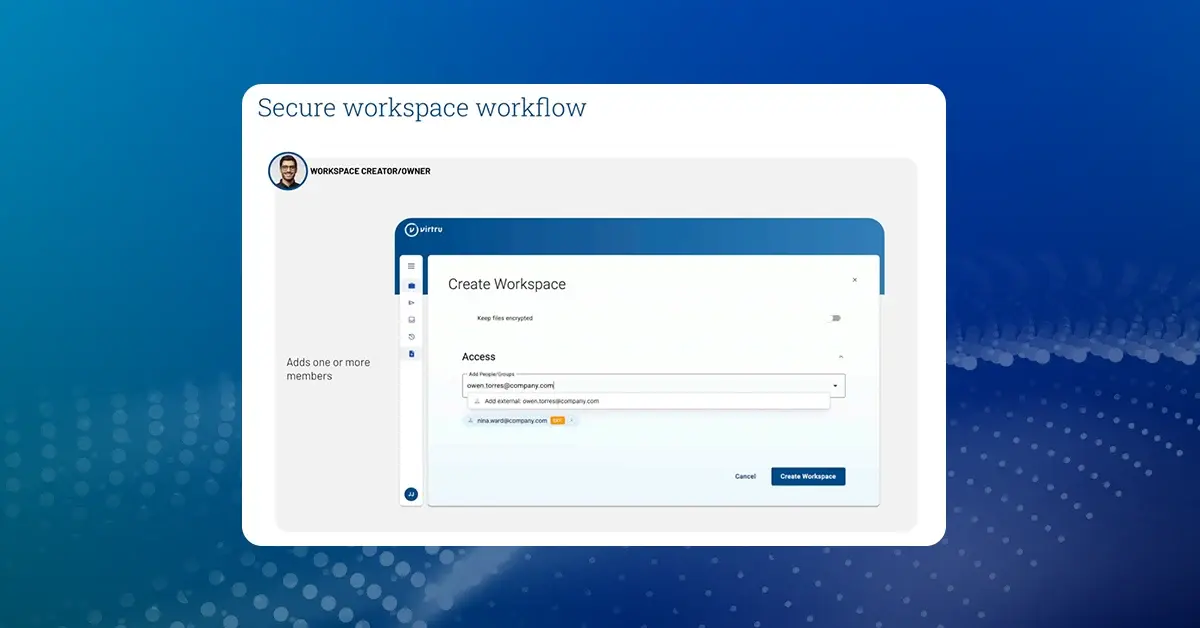
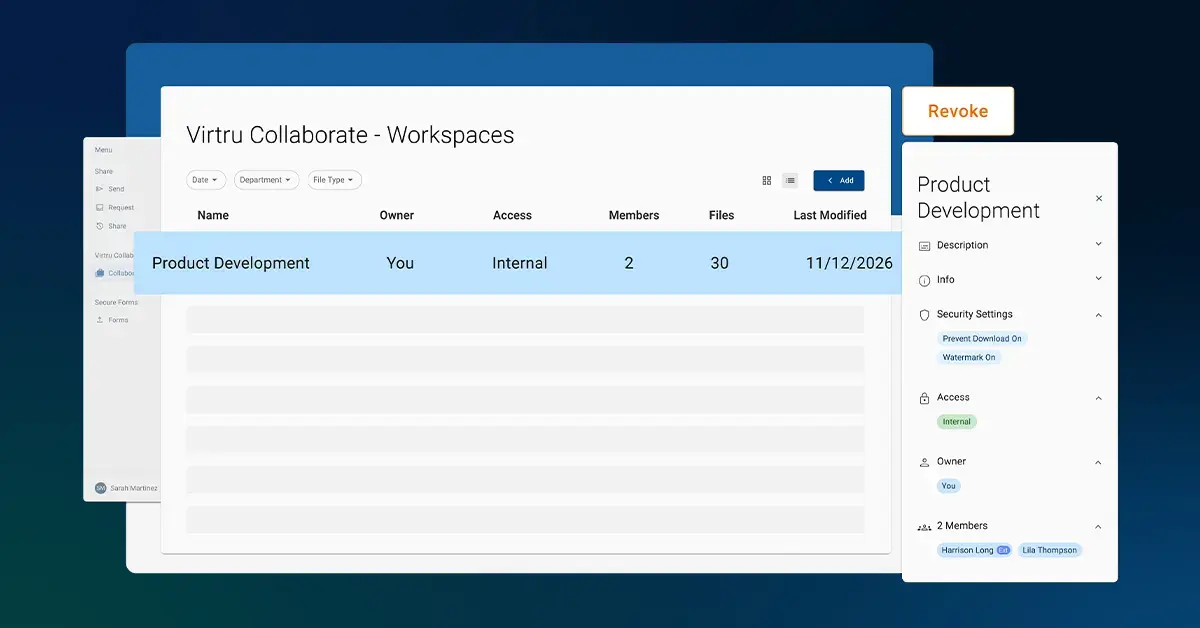
How It Works: Virtru Collaborate

Virtru Collaborate: Eliminate the Tradeoff Between Compliance and Collaboration
Introducing Virtru Collaborate

Virtru Collaborate: Securely Store, Organize, and Share Sensitive Files
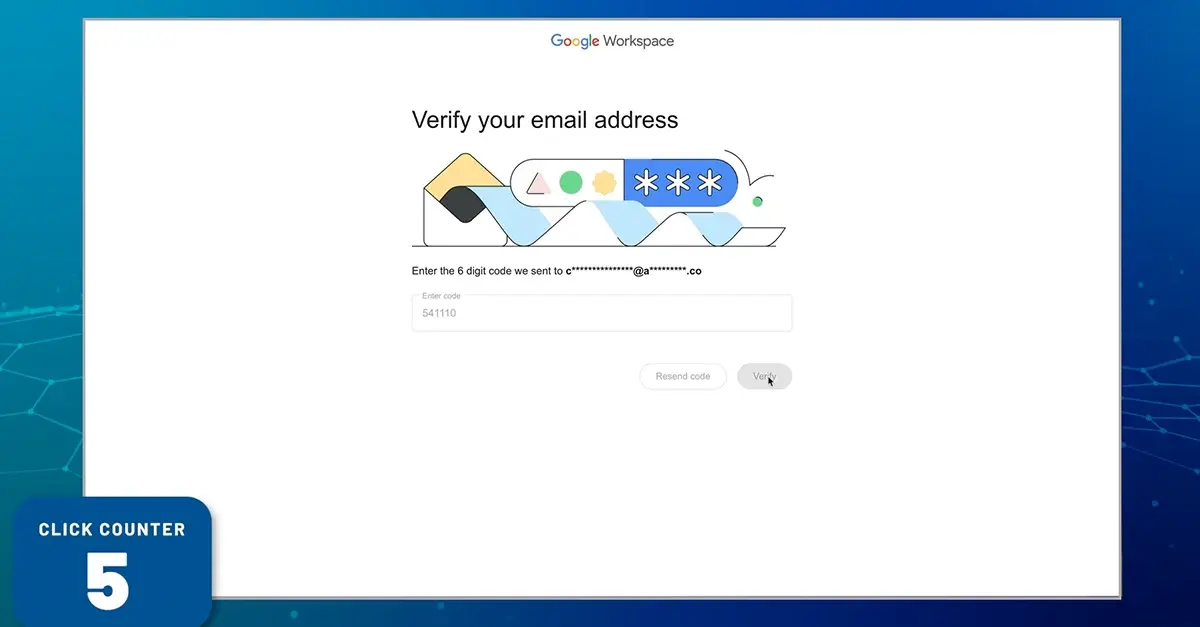
Google E2EE vs. Virtru for Gmail: Sender and Recipient Experience

Virtru Data Security Platform: Email Workflows
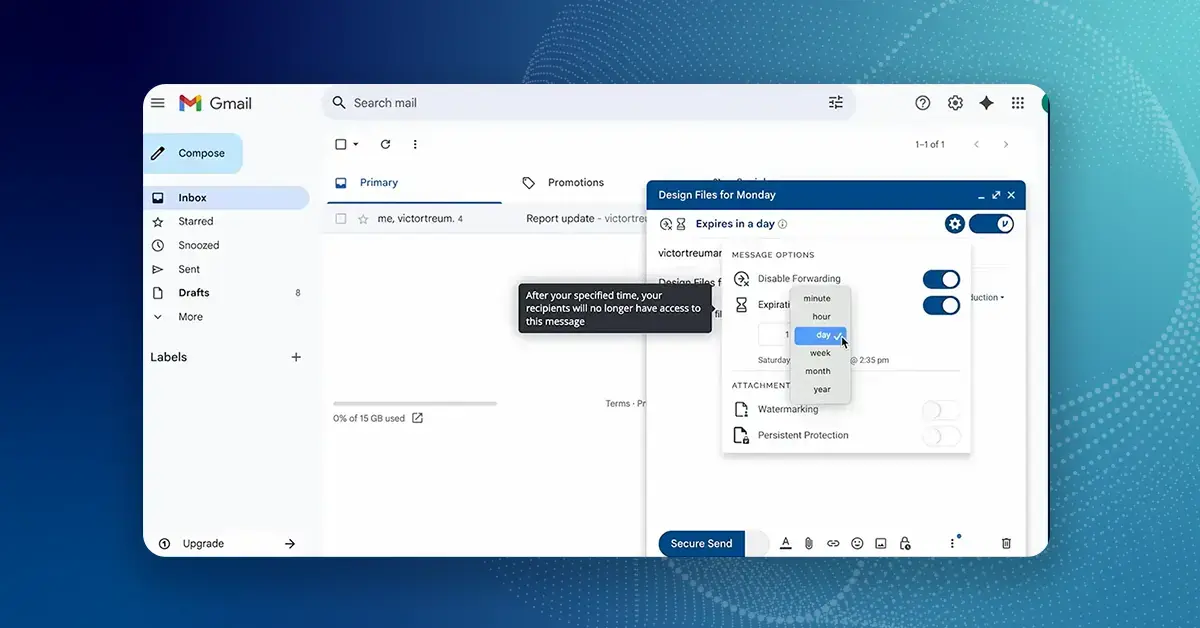
How to Use Virtru for Gmail

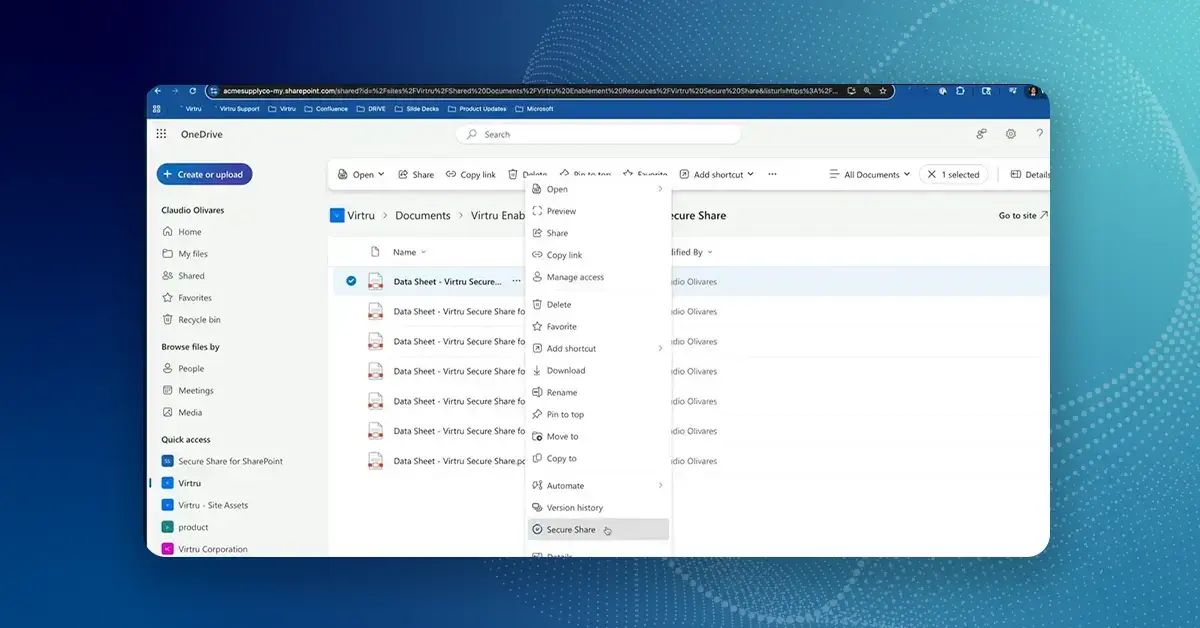
Virtru Secure Share for Microsoft OneDrive, SharePoint, and Teams
Don't govern the agent.
Govern the data.
On November 17, join us live to meet the Data Harbor Platform, built on our core mission of protecting the data itself. While the market focuses on controlling AI agents, we keep you in control of your data, wherever it goes.
Find out moreto dismiss this message.
Book a Demo
Become a Partner
Contact us to learn more about our partnership opportunities.
Become a Compliance Champion
Contact us to learn more about our partnership opportunities.