 Virtru Data Harbor Platform
Our extensible data security platform.
Govern the data, not the app or the agent.
You run it and build on it.
Build on Data Harbor
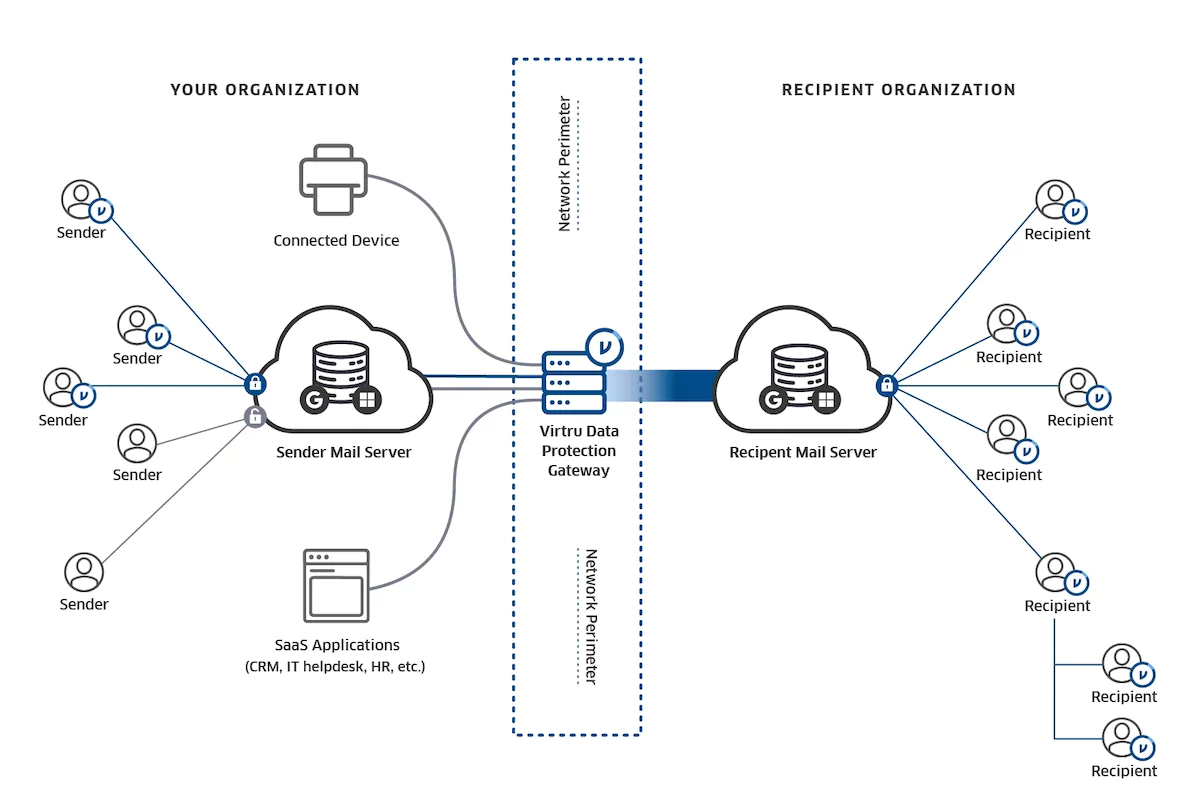
Developer Tools SDKs, gRPC and HTTP, CLI and MCP. Architecture Overview One API layer for policy, identity, and keys. Proxy PEPs enforce at the data tier. OpenTDF The open-source project the platform is built on.Apps
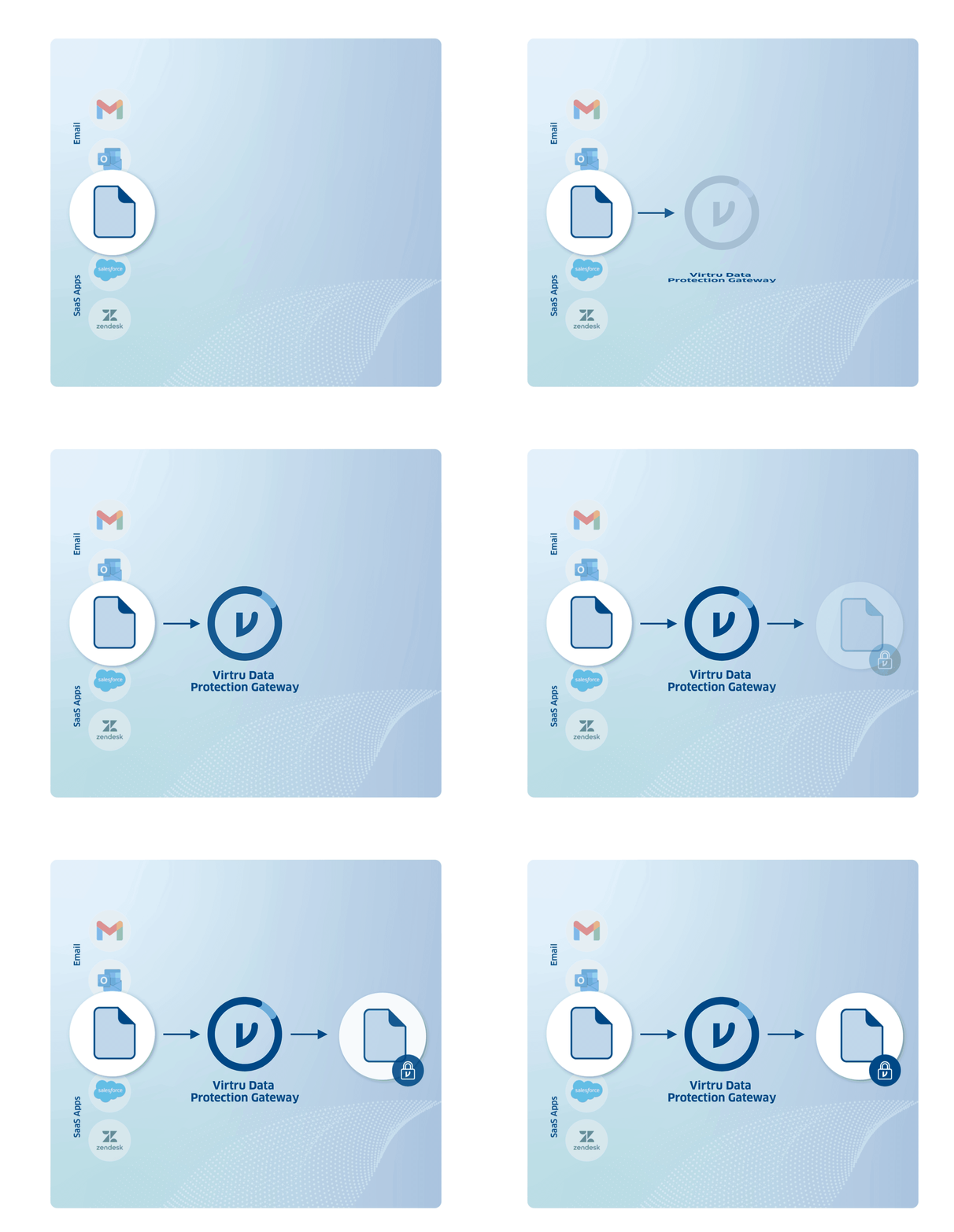
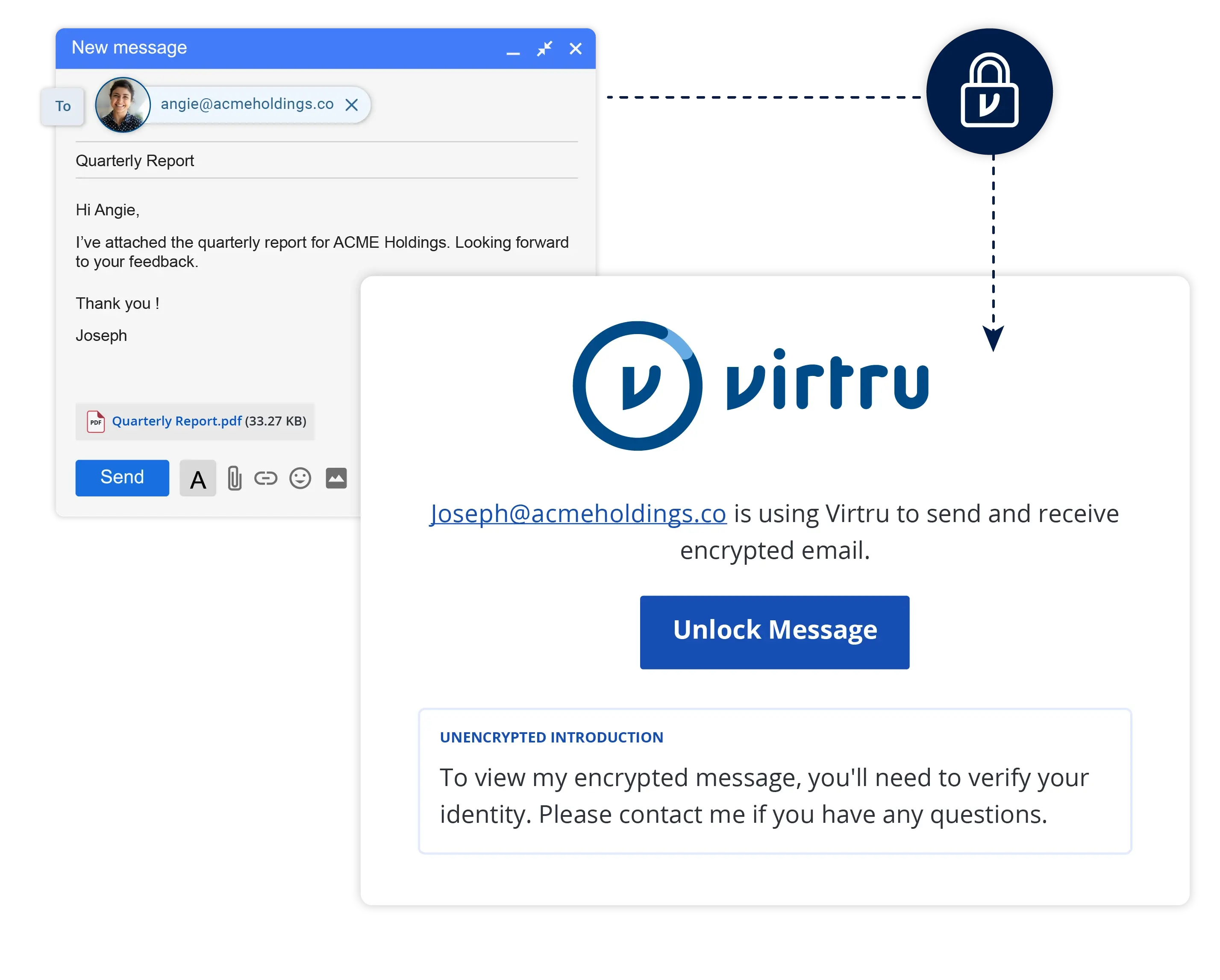
Virtru Collaborate for Microsoft SharePoint Encrypt files on upload and control access by attribute in SharePoint Server. Virtru Collaborate Desktop Protect files where they're created and keep control wherever they go. Virtru for Email Classify at compose time and enforce policy in Outlook, Exchange, and your gateway. Partner Applications Secure messaging, video meetings, cross-domain solutions, AI gateways, and data classification.
 Apps on Virtru Cloud
Our managed SaaS apps.
Protect email, files and secure workspaces for sensitive work.
We run it for you.
Files and Collaboration
Virtru Share Send encrypted files up to 15 GB that recipients can open without requiring an account. Virtru Collaborate FedRAMP-authorized workspaces for CUI and CMMC Level 2. Collaborate SDK Analyze Coming soonEncryption Keys
Virtru Private Keystore Hold your own keys, including for Google Workspace client-side encryptionFeatured
Virtru Data Harbor Platform
Virtru for Global Mission Partners
Data-centric security aligned with ACP-240 and TDF
Virtru for Microsoft 365
Protect data in Microsoft email and files
On Virtru Cloud
On the Data Harbor Platform
On Virtru Cloud
On the Data Harbor Platform
Virtru Cloud
Virtru for Google Workspace
Protect data stored and shared via Google Workspace
6,100+ customers trust Virtru





Virtru Data Harbor Platform
Build on the Platform
Developer overview How to build on the Virtru Data Harbor Platform Developer Tools Go, Java, and Javascript SDKs; gRPC and HTTP; CLI; MCP. Architecture Overview One API layer for policy, identity, and keys. Proxy PEPs enforce at the data tier. Data Harbor Platform docs Guides and reference. Work email sign-in.
Virtru Cloud
Automate Virtru Collaborate
For Virtru Collaborate customers on Virtru Cloud
Collaborate SDK Do in code what your team does in Collaborate: protect files and manage access. Collaborate SDK docs Quickstarts and reference to your first workflow.Tell us what you'll build
Start with the Data Harbor Platform docs. Tell us what you plan to build, and we'll equip you with SDKs, training and support.