Share post:


TABLE OF CONTENTS
See Virtru In Action
Share post:

Virtru for Microsoft Outlook delivers comprehensive Security Rules that automatically enforce your organization's data protection policies. Protect your sensitive information with customizable security actions that trigger based on content, recipients, and other email attributes, all while maintaining a seamless user experience within your familiar Outlook interface.
- Enforce consistent security policies with automated actions that encrypt, block, or warn users when sensitive content is detected, ensuring compliance without disrupting workflows
- Maintain control even after sending with options to disable forwarding, add expiration dates, and apply watermarks to attachments, keeping your data protected throughout its lifecycle
- Streamline recipient management by automatically adding required To, CC, and BCC recipients to ensure proper communication channels for sensitive information
- Enhance attachment security through persistent file protection and attachment stripping capabilities that prevent data leakage through shared files
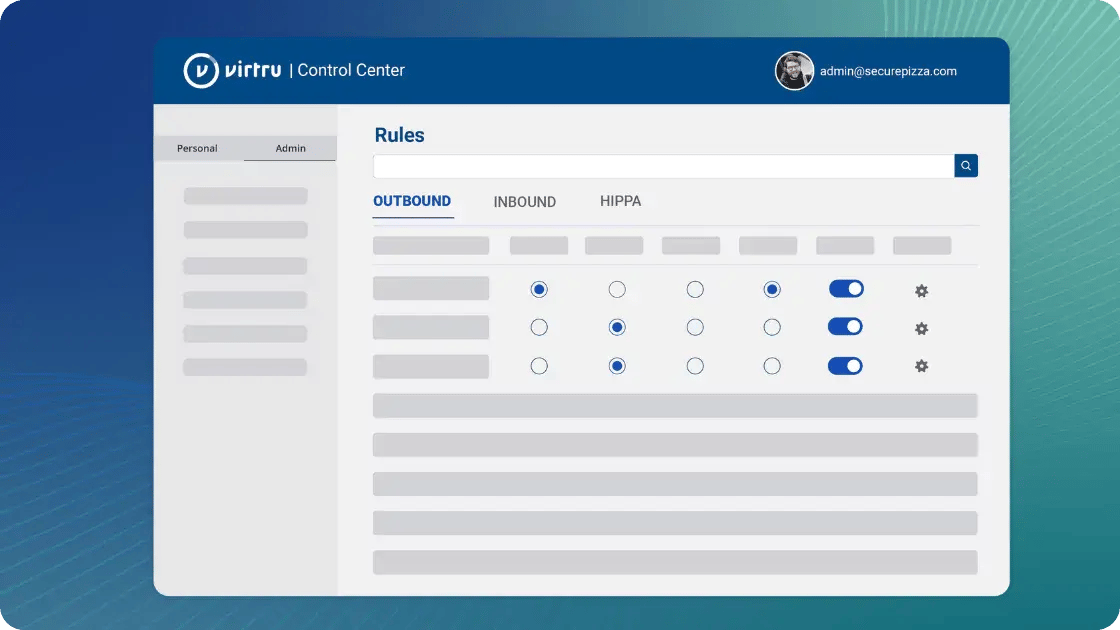
Virtru for Microsoft Outlook offers the same powerful security capabilities available across the Virtru platform, making it easier than ever to implement consistent data protection across your organization's communication channels. Apply your security policies automatically while your teams work efficiently in their preferred email environment.
To learn more about Security Rules, visit our Support Center.
Visit our Virtru for Microsoft 365 Outlook page to learn more about how Virtru makes it easy to encrypt sensitive emails and attachments without changing your workflow.
Virtru Product Marketing
The Virtru product marketing team is focused on improving and delivering Virtru’s data centric security offerings to customers. Their human-centric approach, backed by research and data, informs messaging and campaigns that effectively educate the cybersecurity community.
View more posts by Virtru Product MarketingSign Up for the Virtru Newsletter




/General%20Newsletter%20Images/secureshare-NL-FINAL.png)

-May-28-2025-06-22-56-2800-PM.jpg)